这篇记录通过建链脚本生成容器部署材料,再启动并检查四个节点的过程。
本文由个人备赛旧笔记整理,整理日期为 2026-11-03。命令、输出和测试记录属于当时的实验环境;本文未重新搭建整套环境验证。
阅读前先确认 容器运行状态不等于共识正常,还需要核对网络、挂载目录、节点连接及群组状态。容器网络与宿主机网络的端口检查方式也不同。
第一部分 3题 第3题:使用Docker容器搭建区块链网络 【要求】 登录Linux服务器,使用docker容器搭建四节点的区块链。
【任务】 登录linux服务器,进入指定操作目录(/root/tools/fisco)中完成区块链四节点的搭建:
搭建单群组4节点区块链;
启动区块链;
检查容器
作答 先搞个文件夹 下一下脚本
1
2
3
4
5
6
7
8
9
10
11
12
13
14
15
16
┌──(cure㉿LAPTOP-CMAM5D0J)-[~/fisco] └─$ bash build_chain.sh -D -l 127.0.0.1:4 -p 30300,20200 [INFO] Generate ca cert successfully! Processing IP 127.0.0.1 Total:4 [INFO] Generate ./nodes/127.0.0.1/sdk cert successful! [INFO] Generate ./nodes/127.0.0.1/node0/conf cert successful! [INFO] Generate ./nodes/127.0.0.1/node1/conf cert successful! [INFO] Generate ./nodes/127.0.0.1/node2/conf cert successful! [INFO] Generate ./nodes/127.0.0.1/node3/conf cert successful! [INFO] Downloading get_account.sh from https://osp-1257653870.cos.ap-guangzhou.myqcloud.com/FISCO-BCOS/FISCO-BCOS/tools/get_account.sh... get_account.sh: 行 1: 未预期的记号 "newline" 附近有语法错误 get_account.sh: 行 1: `<?xml version='1.0' encoding='utf-8' ?>' [INFO] Admin account: mv: 对 ' accounts*' 调用 stat 失败: 没有那个文件或目录
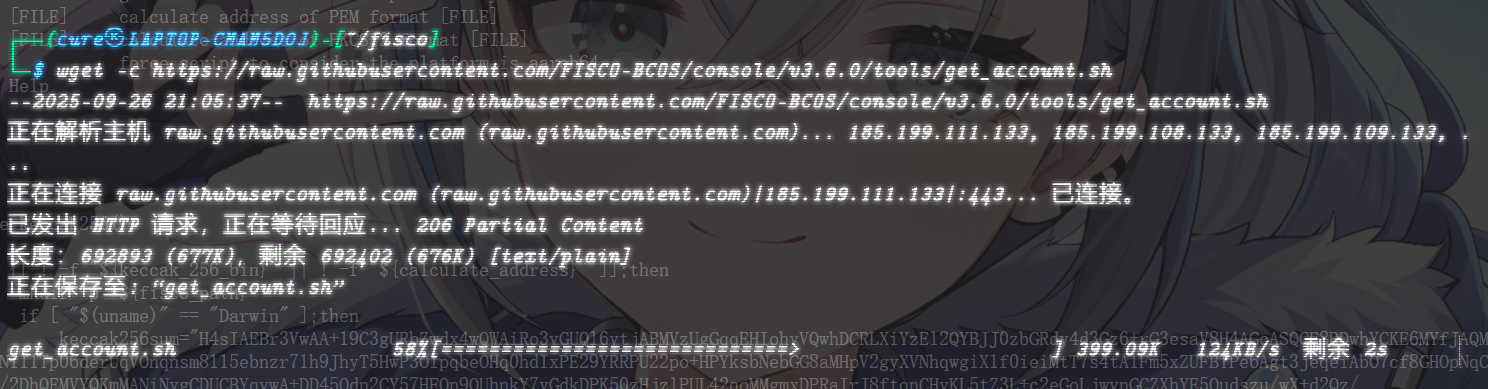
他真该死啊,他cdn有些东西过期了
其实没啥区别,就是 加了 -D 选项 他就会自动拉取镜像
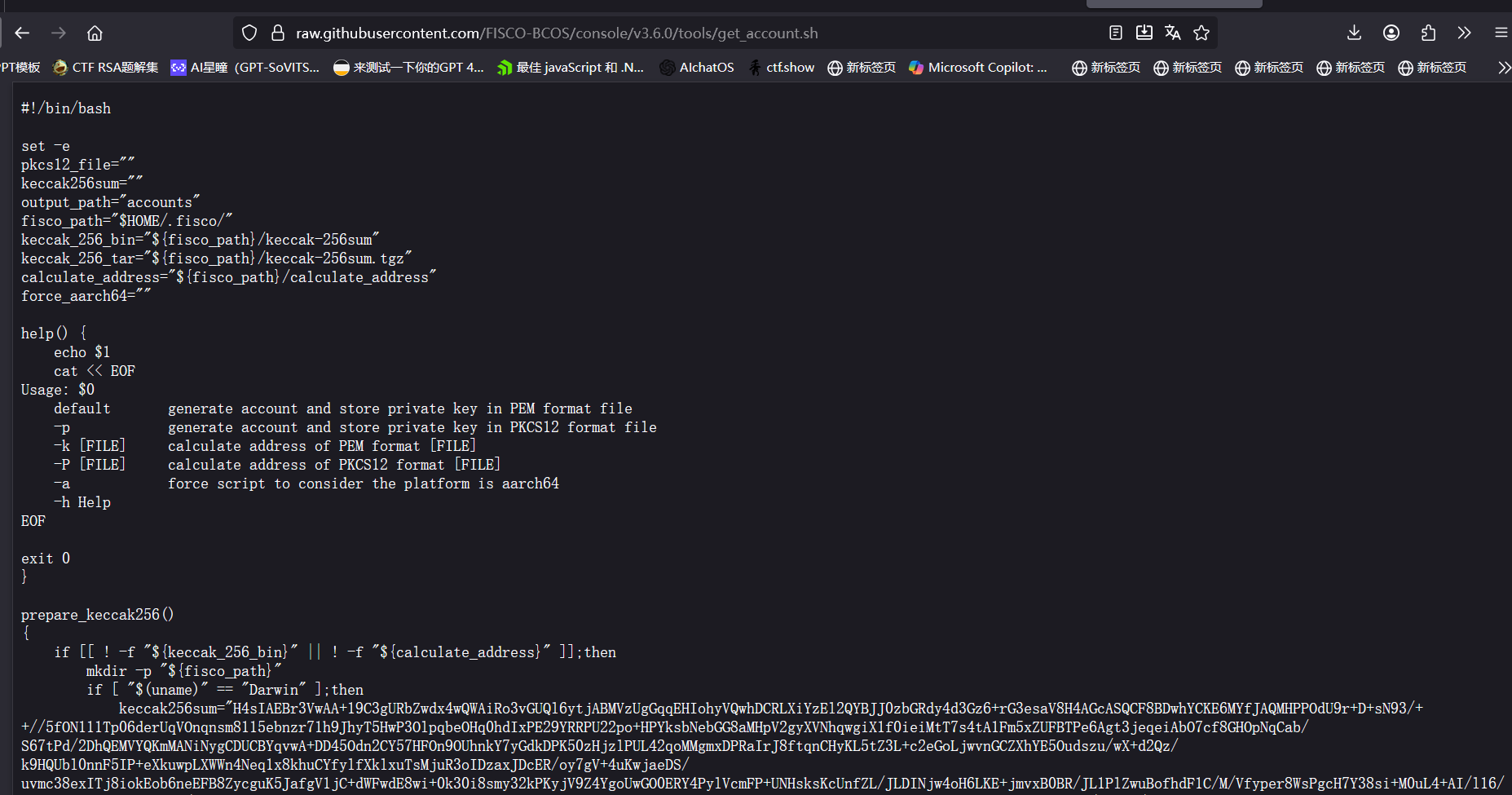
为了修这个东西,我只能翻源码了
1
2
3
4
5
Download https://${GIT_URL_BASE} /FISCO-BCOS/FISCO-BCOS/releases/download/${BCOS_VERSION} /build_chain.sh chmod u+x build_chain.shLOG_INFO "Download get_account.sh ..." Download https://${GITHUB_PROXY} raw.githubusercontent.com/FISCO-BCOS/console/${BCOS_VERSION} /tools/get_account.sh chmod u+x get_account.sh
哦,那我懂了
修复成功
1
2
3
4
5
6
7
8
9
10
11
12
13
14
15
16
17
18
19
20
21
22
23
24
25
26
27
28
29
30
┌──(cure㉿LAPTOP-CMAM5D0J)-[~/fisco] └─$ ls accounts build_chain.sh get_account.sh nodes ┌──(cure㉿LAPTOP-CMAM5D0J)-[~/fisco] └─$ rm -rf nodes ┌──(cure㉿LAPTOP-CMAM5D0J)-[~/fisco] └─$ bash build_chain.sh -D -l 127.0.0.1:4 -p 30300,20200 [INFO] Generate ca cert successfully! Processing IP 127.0.0.1 Total:4 [INFO] Generate ./nodes/127.0.0.1/sdk cert successful! [INFO] Generate ./nodes/127.0.0.1/node0/conf cert successful! [INFO] Generate ./nodes/127.0.0.1/node1/conf cert successful! [INFO] Generate ./nodes/127.0.0.1/node2/conf cert successful! [INFO] Generate ./nodes/127.0.0.1/node3/conf cert successful! [INFO] Admin account: 0x5d81544c5bc0b3c24bb1500e7516afad93e22f8b ============================================================== [INFO] GroupID : group0 [INFO] ChainID : chain0 [INFO] docker mode : true [INFO] docker tag : v3.6.0 [INFO] Auth mode : false [INFO] Start port : 30300 20200 [INFO] Server IP : 127.0.0.1:4 [INFO] SM model : false [INFO] enable HSM : false [INFO] nodes.json : 127.0.0.1:30300,127.0.0.1:30301,127.0.0.1:30302,127.0.0.1:30303, [INFO] Output dir : ./nodes [INFO] All completed. Files in ./nodes
由于我使用的是wsl而非真正的linux
官方文档:注解
目前只支持在Linux环境通过docker方式部署区块链环境
转移阵地到我的linux真机
1
2
3
4
5
6
7
8
9
10
11
12
13
14
15
16
17
18
19
20
21
22
23
24
25
26
27
28
29
30
31
32
33
34
35
36
37
38
39
40
41
42
43
44
45
46
47
48
49
50
51
52
53
54
55
56
57
58
59
60
61
62
63
64
65
66
67
68
69
70
71
72
73
74
75
76
77
78
┌──(cure㉿LAPTOP-CMAM5D0J)-[~] └─$ scp -r fisco cure@ddns.curesky.site:/home/cure/fisco The authenticity of host 'ddns.curesky.site (113.121.88.186)' can't be established. ED25519 key fingerprint is SHA256:OWGqVswvgLVjty3OsJTbVq294qT+jvQZ5ZeMTcMofAg. This key is not known by any other names. Are you sure you want to continue connecting (yes/no/[fingerprint])? yes Warning: Permanently added ' ddns.curesky.site' (ED25519) to the list of known hosts. cure@ddns.curesky.site' s password:get_account.sh 100% 677KB 513.2KB/s 00:01 build_chain.sh 100% 91KB 554.1KB/s 00:00 stop_all.sh 100% 323 5.7KB/s 00:00 stop.sh 100% 1193 22.5KB/s 00:00 config.genesis 100% 1764 32.2KB/s 00:00 start.sh 100% 1620 29.0KB/s 00:00 nodes.json 100% 84 1.9KB/s 00:00 ca.crt 100% 1147 21.5KB/s 00:00 cert.cnf 100% 753 14.6KB/s 00:00 node.nodeid 100% 129 2.8KB/s 00:00 ssl.key 100% 1708 24.4KB/s 00:00 node.pem 100% 237 2.4KB/s 00:00 ssl.nodeid 100% 513 3.3KB/s 00:00 ssl.crt 100% 1164 14.0KB/s 00:00 config.ini 100% 5451 26.0KB/s 00:00 stop.sh 100% 1193 11.6KB/s 00:00 config.genesis 100% 1764 18.7KB/s 00:00 start.sh 100% 1620 18.8KB/s 00:00 nodes.json 100% 84 0.5KB/s 00:00 ca.crt 100% 1147 7.5KB/s 00:00 cert.cnf 100% 753 13.3KB/s 00:00 node.nodeid 100% 129 2.4KB/s 00:00 ssl.key 100% 1704 29.8KB/s 00:00 node.pem 100% 237 4.5KB/s 00:00 ssl.nodeid 100% 513 8.9KB/s 00:00 ssl.crt 100% 1164 20.8KB/s 00:00 config.ini 100% 5451 86.2KB/s 00:00 stop.sh 100% 1193 19.5KB/s 00:00 config.genesis 100% 1764 28.1KB/s 00:00 start.sh 100% 1620 27.6KB/s 00:00 nodes.json 100% 84 1.6KB/s 00:00 ca.crt 100% 1147 19.3KB/s 00:00 cert.cnf 100% 753 12.3KB/s 00:00 node.nodeid 100% 129 2.7KB/s 00:00 ssl.key 100% 1704 31.0KB/s 00:00 node.pem 100% 237 3.4KB/s 00:00 ssl.nodeid 100% 513 7.3KB/s 00:00 ssl.crt 100% 1164 18.7KB/s 00:00 config.ini 100% 5451 70.1KB/s 00:00 stop.sh 100% 1193 18.5KB/s 00:00 config.genesis 100% 1764 29.9KB/s 00:00 start.sh 100% 1620 27.9KB/s 00:00 nodes.json 100% 84 1.6KB/s 00:00 ca.crt 100% 1147 19.5KB/s 00:00 cert.cnf 100% 753 14.5KB/s 00:00 node.nodeid 100% 129 2.6KB/s 00:00 ssl.key 100% 1704 27.7KB/s 00:00 node.pem 100% 237 4.6KB/s 00:00 ssl.nodeid 100% 513 9.8KB/s 00:00 ssl.crt 100% 1164 19.5KB/s 00:00 config.ini 100% 5451 91.4KB/s 00:00 start_all.sh 100% 328 5.8KB/s 00:00 ca.crt 100% 1147 19.2KB/s 00:00 cert.cnf 100% 753 12.4KB/s 00:00 ca.key 100% 1679 27.5KB/s 00:00 ca.crt 100% 1147 19.9KB/s 00:00 cert.cnf 100% 753 12.9KB/s 00:00 sdk.crt 100% 1164 21.8KB/s 00:00 sdk.nodeid 100% 513 9.4KB/s 00:00 sdk.key 100% 1704 26.2KB/s 00:00 ca.crt 100% 1147 19.0KB/s 00:00 cert.cnf 100% 753 11.7KB/s 00:00 ca.key 100% 1679 27.7KB/s 00:00 ca.srl 100% 41 0.7KB/s 00:00 0x5d81544c5bc0b3c24bb1500e7516afad93e22f8b.pem 100% 237 1.7KB/s 00:00 0x5d81544c5bc0b3c24bb1500e7516afad93e22f8b.public.pem 100% 174 1.8KB/s 00:00 0xe1090cd7229bb60bed41df981bb01d8ede46e199.pem.pub 100% 174 2.9KB/s 00:00 0xe1090cd7229bb60bed41df981bb01d8ede46e199.public.pem 100% 174 2.7KB/s 00:00 0x5d81544c5bc0b3c24bb1500e7516afad93e22f8b.pem.pub 100% 174 1.6KB/s 00:00 0xe1090cd7229bb60bed41df981bb01d8ede46e199.pem 100% 237 4.0KB/s 00:00
下完了镜像,直接启动就行
1
2
3
4
5
6
7
8
9
10
11
12
13
14
cure@ubuntu:~/fisco/nodes/127.0.0.1$ sudo bash start_all.sh try to start node0 try to start node1 try to start node2 try to start node3 e1c7ae612a647a7cce37214bb08343570442bd97add0c92ac389bf260d7eb008 29cca8bcd46e6a35d4b71aef40ade24a82b7a6654a391b6f768c0da954202c03 f49e2683d8abbe425c09cc552ccf227c97f5e09273b4de221044f1369d048233 cd9063d5a7473cc3d5dbbfa5c91d2edf2a32c9c6f3c036fde782f8e261ca6cab node1 start successfully pid=e1c7ae612a64 node3 start successfully pid=29cca8bcd46e node0 start successfully pid=cd9063d5a747 node2 start successfully pid=f49e2683d8ab cure@ubuntu:~/fisco/nodes/127.0.0.1$
简简单单,启动成功
检查容器
1
2
3
4
5
6
cure@ubuntu:~/fisco/nodes/127.0.0.1$ sudo docker ps -a CONTAINER ID IMAGE COMMAND CREATED STATUS PORTS NAMES cd9063d5a747 fiscoorg/fiscobcos:v3.6.0 "/usr/local/bin/fisc…" 52 seconds ago Up 52 seconds homecurefisconodes127.0.0.1node0 e1c7ae612a64 fiscoorg/fiscobcos:v3.6.0 "/usr/local/bin/fisc…" 52 seconds ago Up 52 seconds homecurefisconodes127.0.0.1node1 29cca8bcd46e fiscoorg/fiscobcos:v3.6.0 "/usr/local/bin/fisc…" 52 seconds ago Up 52 seconds homecurefisconodes127.0.0.1node3 f49e2683d8ab fiscoorg/fiscobcos:v3.6.0 "/usr/local/bin/fisc…" 52 seconds ago Up 52 seconds homecurefisconodes127. " /usr/local/bin/fisc…" 52 seconds ago Up 52 seconds homecurefisconodes127.0.0.1node2
过于熟悉的命令了
复现时的自查
记录自己实际使用的版本、配置和缺失依赖。
对照本篇关键步骤,保存命令或调用结果,并解释结果代表什么。
对失败或与原记录不一致的情况保留错误信息,不把历史输出当成自己的验证结果。
返回系列导读 · 上一篇 · 下一篇